PRODUCT LAUNCH TEMPLATE
Put your product in the picture.
Make a product launch graphic from your screenshot. Add a clear headline, find its look, and download an introduction worth sharing.
Make my launch graphicFree branded PNG · No account needed
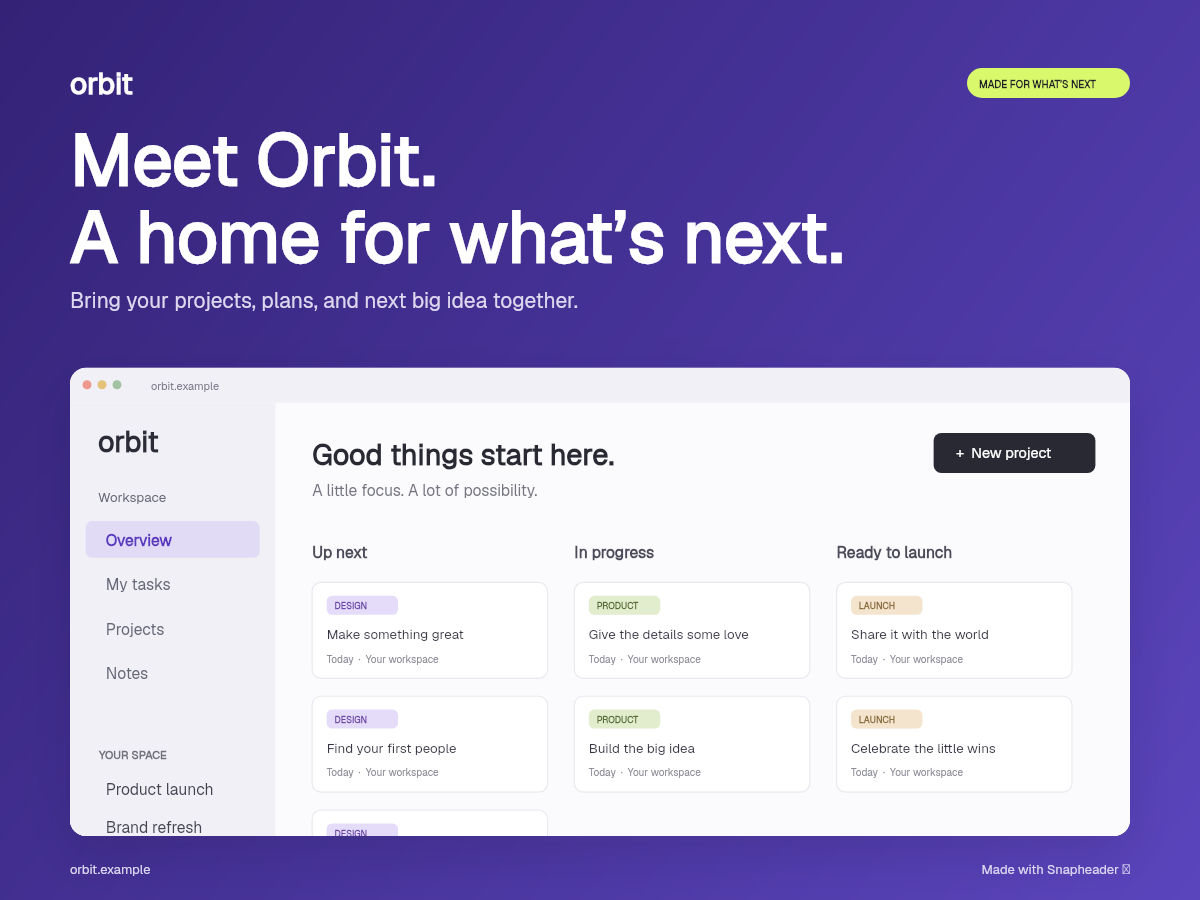
FROM SCREEN TO SOMETHING SHAREABLE
Make room for
your own work.
- 01
Show the product.
Add a screenshot that makes its purpose easy to see.
- 02
Write the introduction.
Add your product name, a short headline, and one useful supporting line.
- 03
Choose where it goes.
Pick a format, check the preview, and download your PNG.
Before you make it yours.
Can I make a launch graphic for free?
Yes. All six looks and five formats are available in the free editor. Standard PNG exports include Snapheader credit.
Do I need an account?
You can edit and download without signing in. Sign in when you want to save a project.
Which screenshot should I use?
Start with one clear view of your product’s main job. Remove sensitive information before adding it.